Hot patch of a running system without restart
Overview
A patch is a small hot update of part of the modules without a restart. The zip archive contains one or more modules and possibly some assets.
This method is used for small changes when fresh fixes must be applied without waiting for a maintenance window. A patch is built for a specific system version to avoid losing integrity.
When reinstalling the version from the distribution and when updating, all previously applied patches are removed.
Patch archives are uploaded to the system and stored in its file sections. Applying old patches after a system update is contraindicated.
Patch application procedure
Step 1. Log in to the master domain under an account with the "admin" role. Open the "Settings" application:

Step 2. Select the "System/Patch" section:
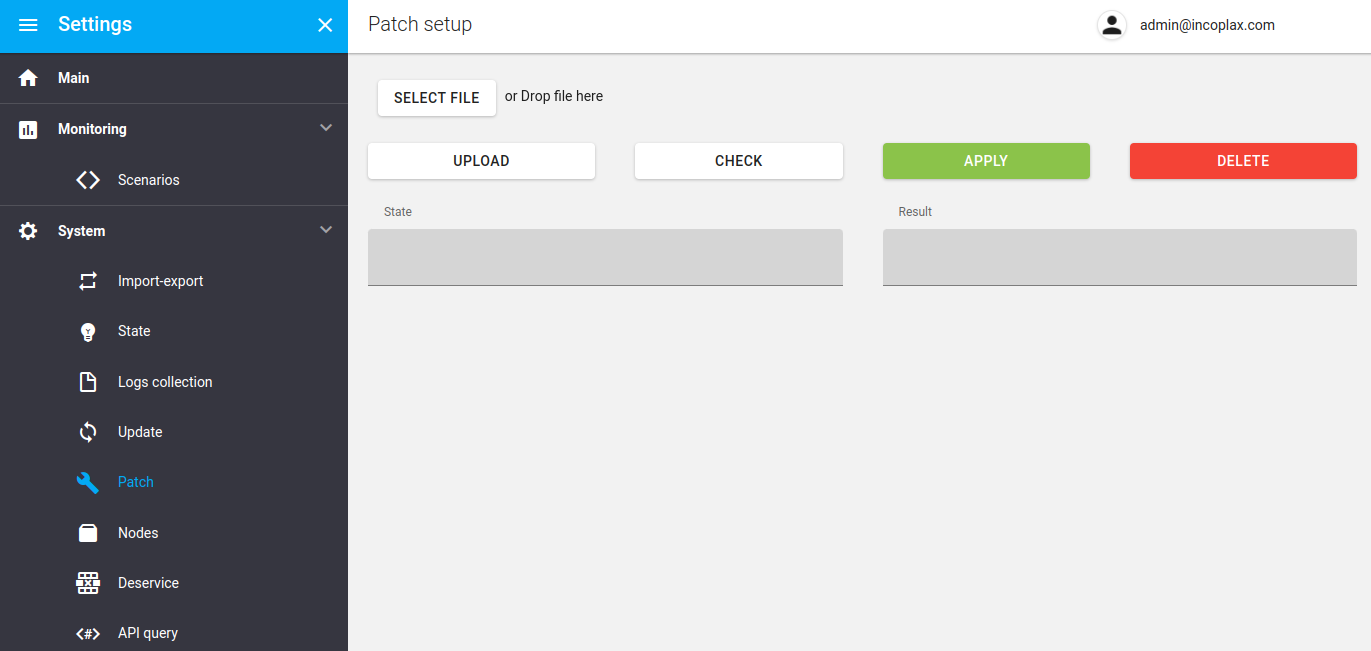
Step 3. Select the zip archive with the patch:
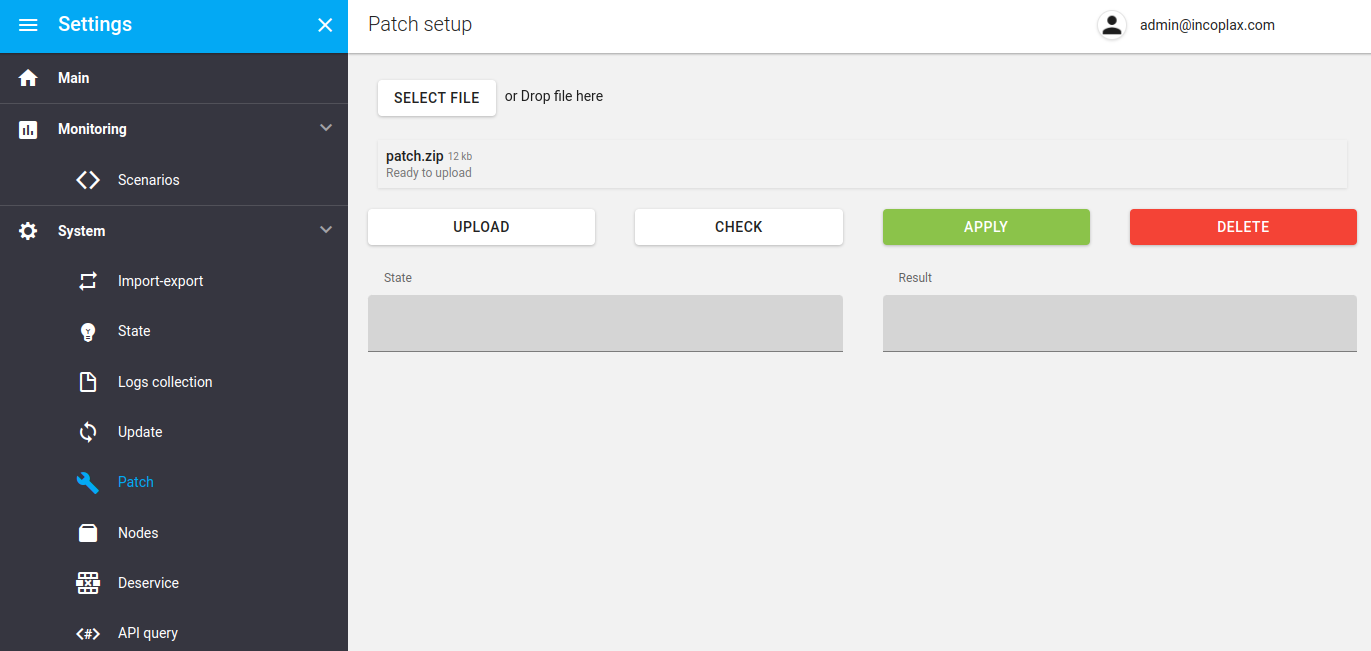
Step 4. Upload the selected archive to the server by clicking "Upload". As a result the unpacked archive composition is displayed on the right:
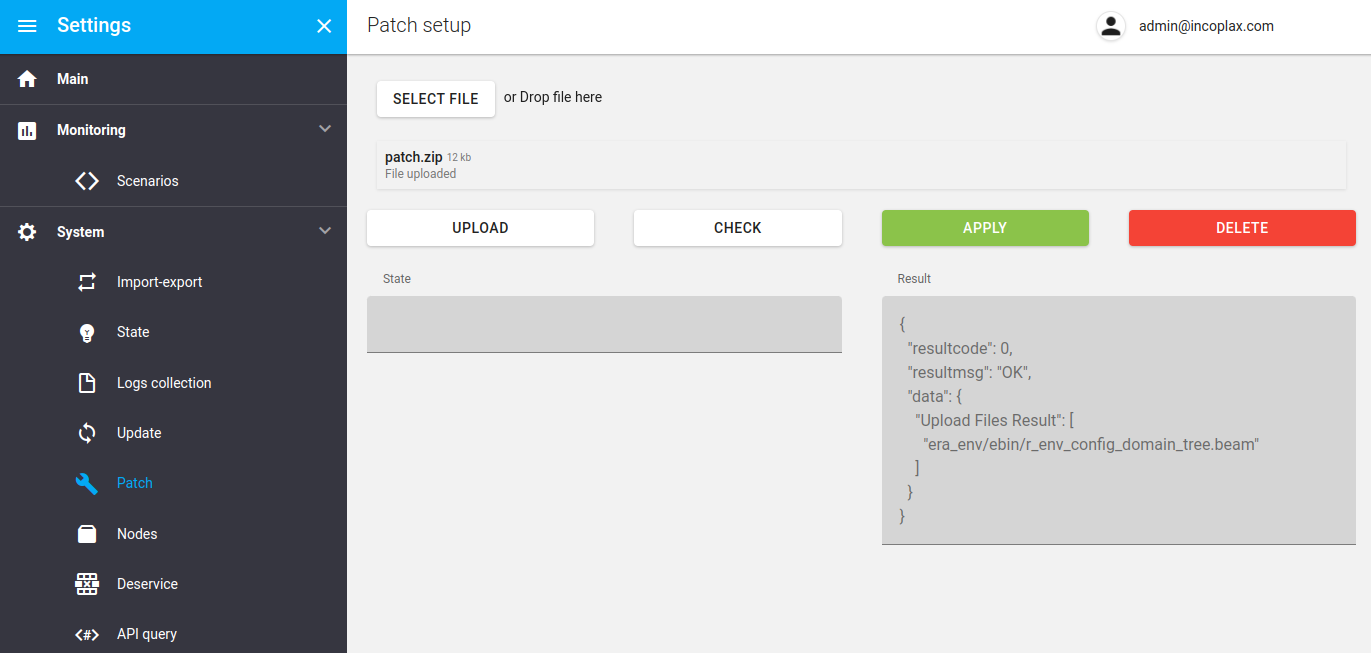
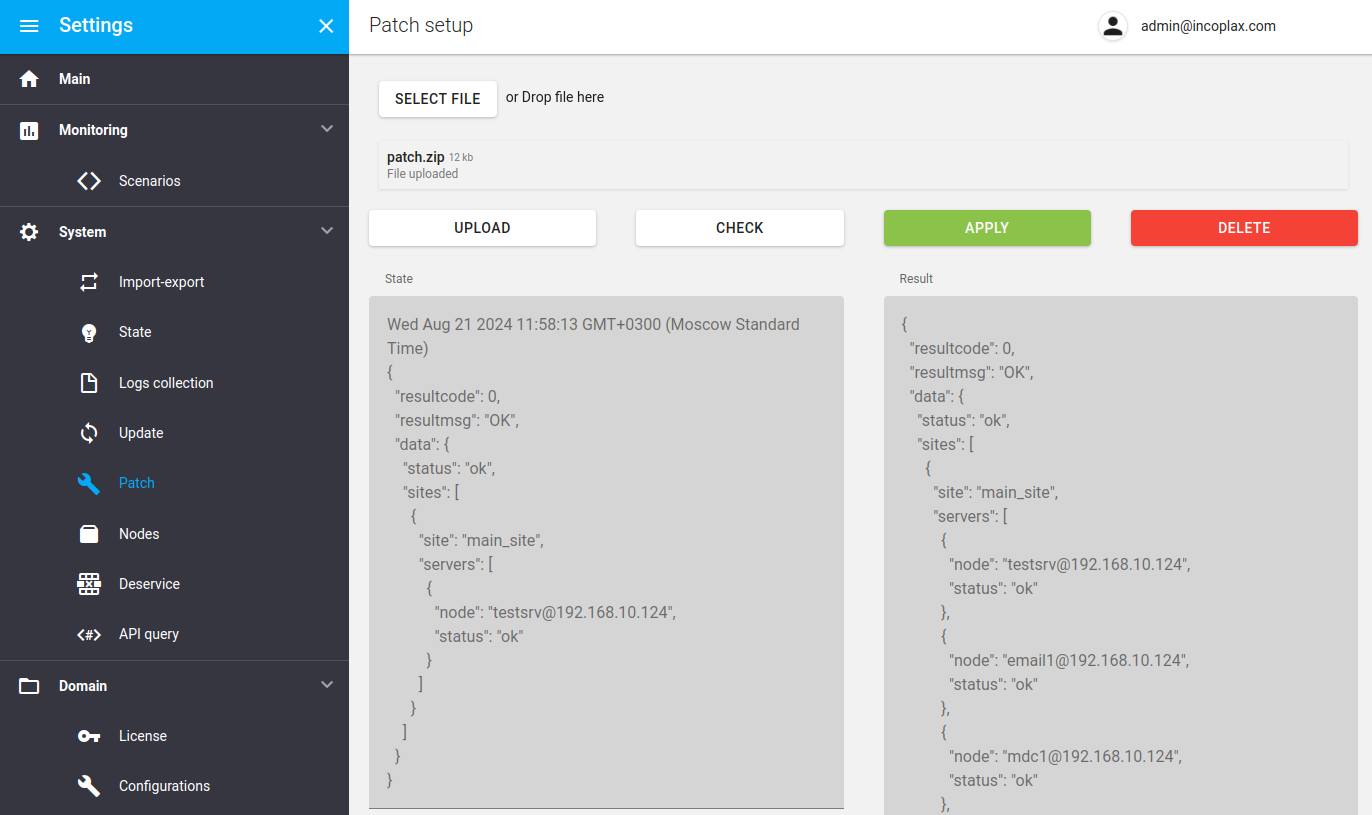
Step 5. Validate the uploaded files by clicking "Check".
The "State" field lists the node composition and the integral result of checking the new modules on each server node.
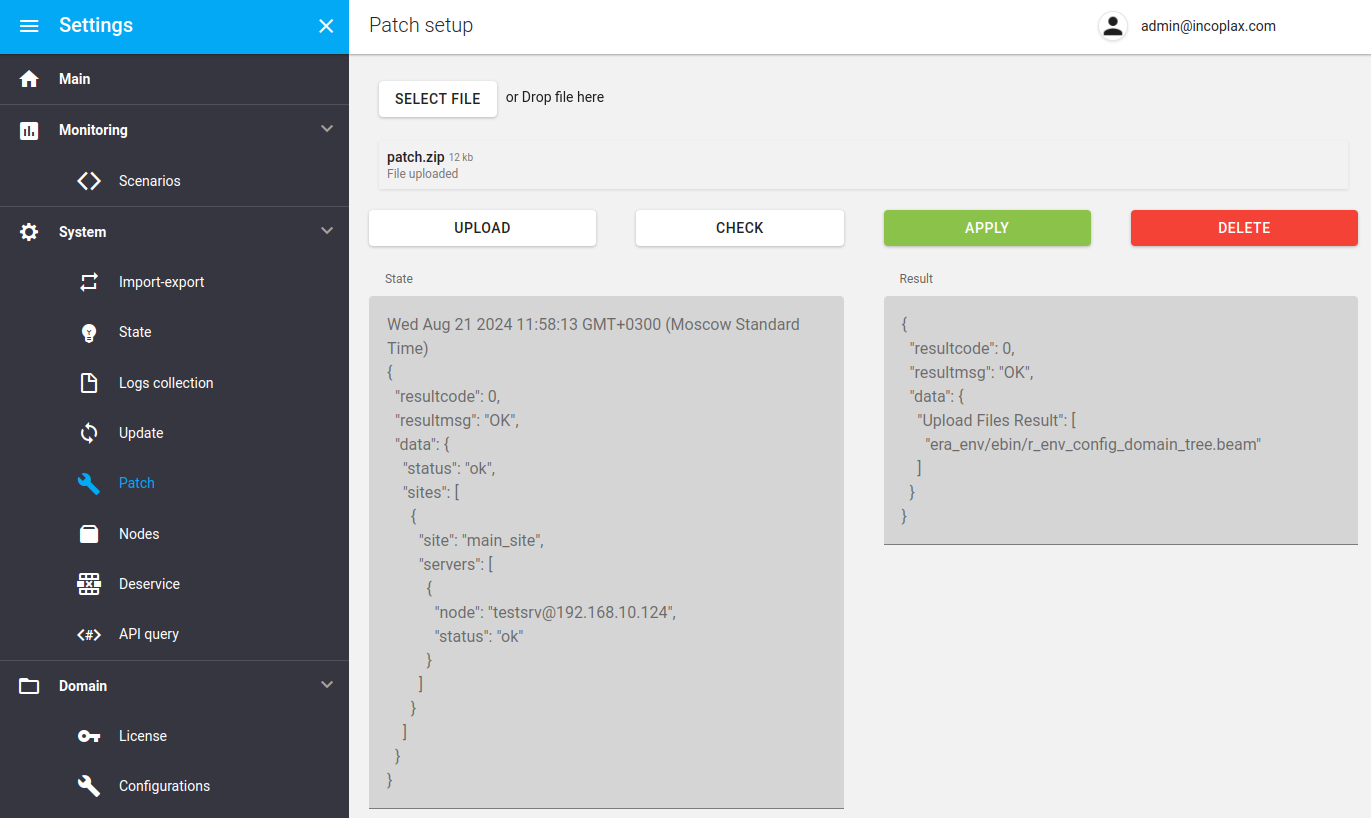
Step 6. Initiate application by clicking "Apply".
As a result the files in the archive replace the content of the current system directory — exactly the version that is active. After that all nodes apply the changes without a restart.
The "Result" field lists the node composition and the integral result of applying the new modules on each node. The final integral status is assembled from the results of all nodes: when several statuses are combined, the status with the lower code becomes the final one:
-
error = 1 - an error occurred during hot loading of the module;
-
not_beam = 2 - the file is not an Erlang module;
-
wrong_path = 3 - the path to modules in the archive does not match the expected one;
-
not_updated = 4 - failed loading. In this case nodes with this state show manual restart in the "System/Nodes" section;
-
not_changed = 5 - the module version matches the already loaded one;
-
ok = 6 - the module loaded successfully;
-
not_loaded = 7 - the module not loaded. This happens if the node does not execute processes served by the module. If the patch contains modules of various specific microservices, this status occurs everywhere, and that is normal.
Step 7. Delete the uploaded patch archive to exclude its accidental application later:
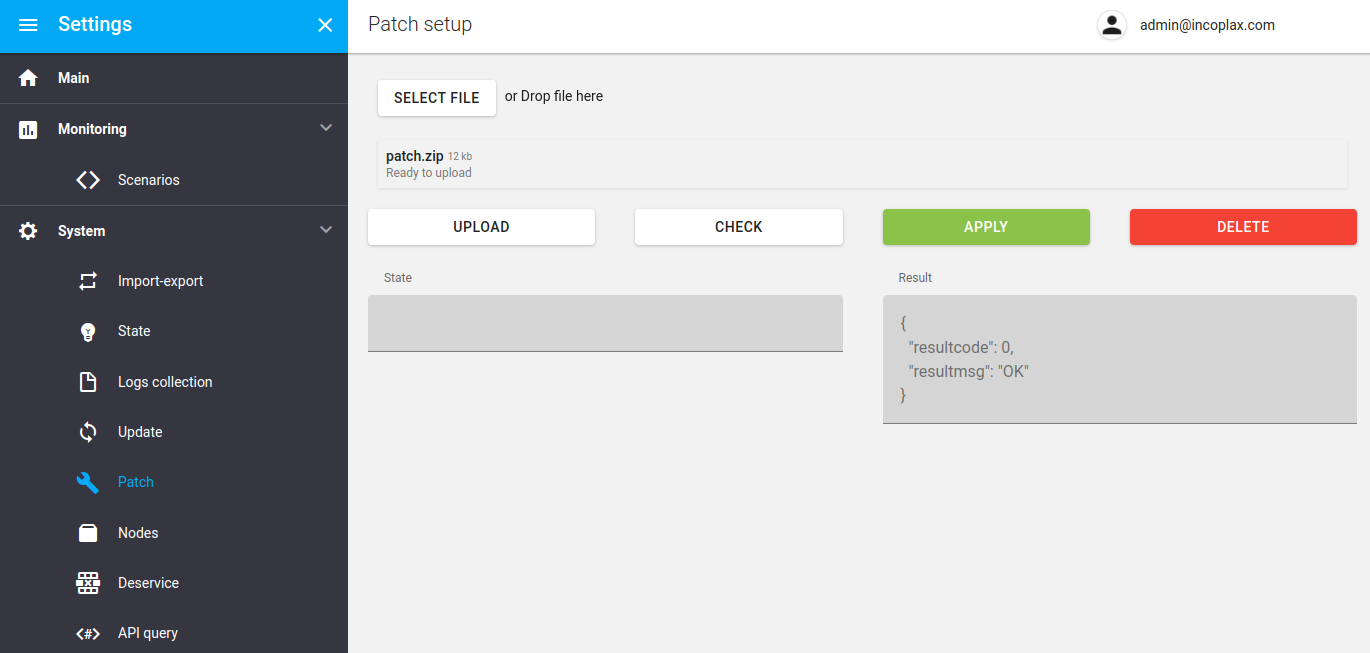
After that all system processes either continue working in the new versions immediately or on the next iteration of the message processing loop.
Limitations
-
A patch to a whole new version is impossible.
-
Patching system libraries is impossible.
-
When uploading media libraries, part of the nodes must be restarted manually in the "System/Nodes" section.
-
The maximum size of the uploaded zip archive is 10 MB.
-
The patch applies only to available servers. After previously unavailable servers are restored, the patch must be applied again. If a sequence of patches was applied, they must be applied in the same sequence. Reapplying a patch does not cause critical problems.
A patch can disrupt the integrity of processes and states. Some such disruptions are non-critical for further system operation — only the current handlers crash and restart.
In critical cases system integrity may be disrupted, and then a rollback may be required (in some cases an anti-patch is enough, in others it may be a complex manual operation requiring preparation). The extreme option is reinstalling the system from the docker image while connecting to the same storages (databases, brokers, file system sections and directories).
If the patch is applied to the declared versions, the probability of critical source code integrity disruption is reduced to zero.