4. Shelf configuration
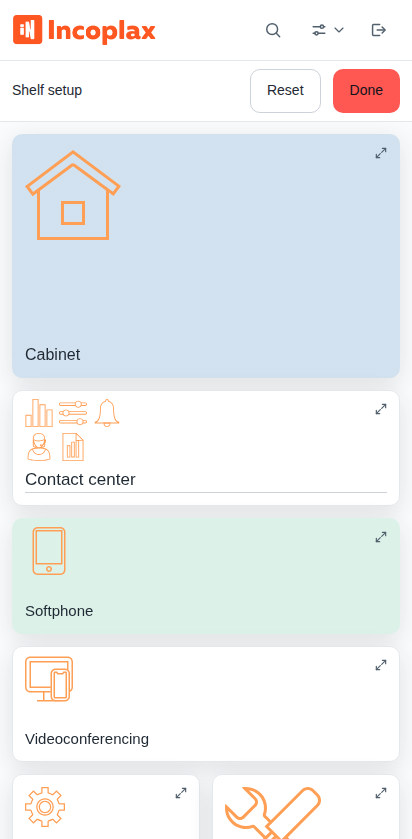
The shelf can be arranged to your liking: rearrange tiles, set their sizes and colors, create groups, and choose a layout.
How to enable configuration
The menu is opened by the View button on the right side of the header. The shelf appearance and layout are stored in the domain: in a neighboring domain you have your own shelf and your own settings. In the menu select Configure shelf.
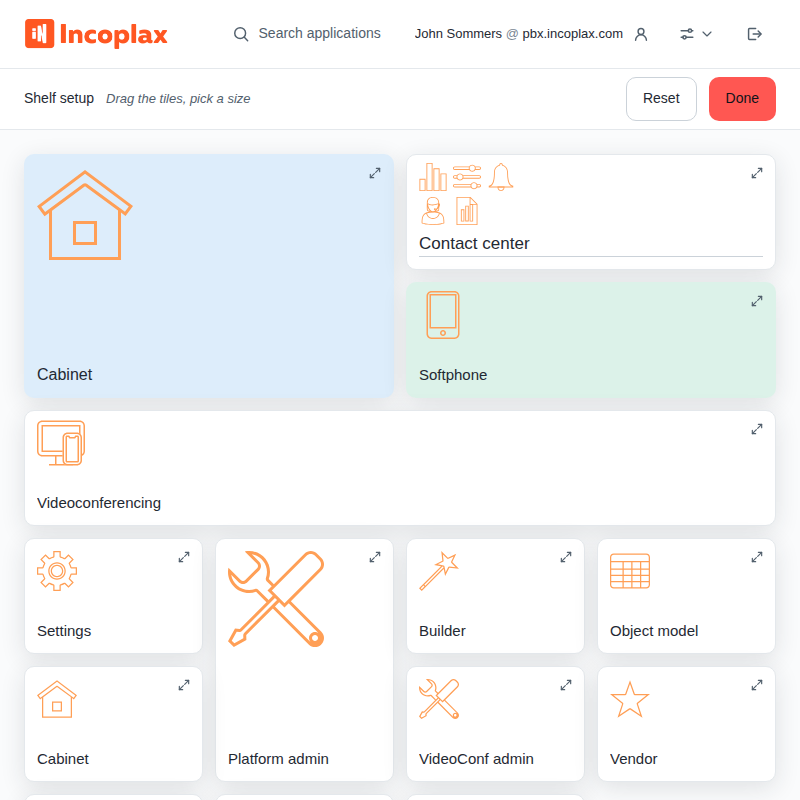
Reset restores the default layout, Done saves and exits. While the panel is on screen, changes are not saved.
Dragging tiles
Take a tile and drag it. Along the way the shelf hints where it will land:
-
a strip between tiles — the tile will take that place;
-
an outline around a tile or group — the tile will go inside: two single tiles form a new group, and a tile dropped on a group joins it;
-
empty space below the shelf — the tile will go to the end.
An application inside a group is dragged by its own icon.
Tile size and color
The icon in the tile’s upper right corner opens its menu.
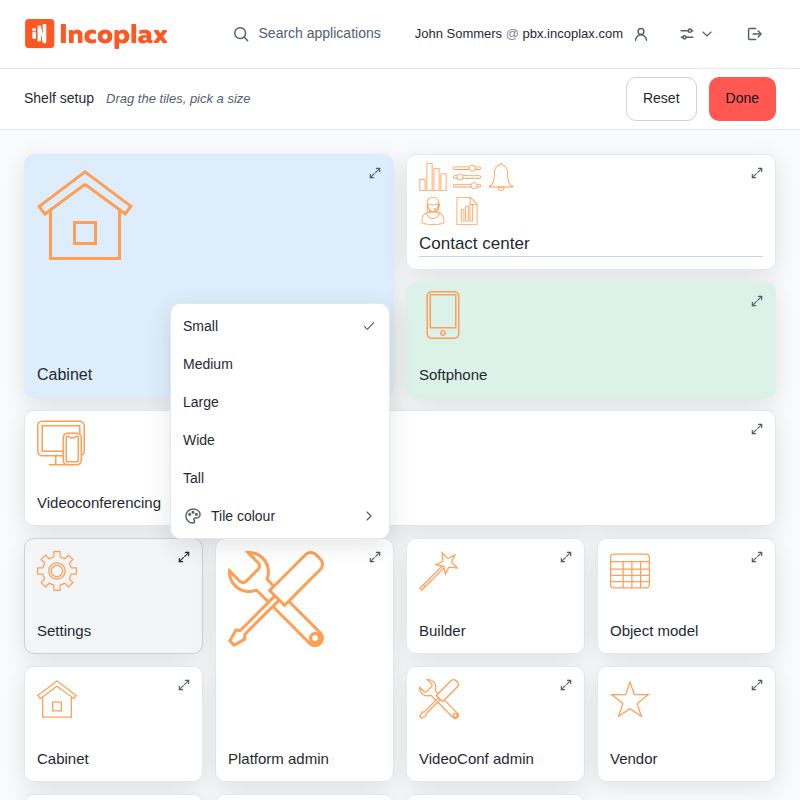
Five sizes: small, medium, large, wide, and tall. The larger the tile, the more fits on it: on a small one the description is cut off at the first line, on a large one it is fully visible. In a narrow window a wide tile is not offered — there is nowhere to fit it.
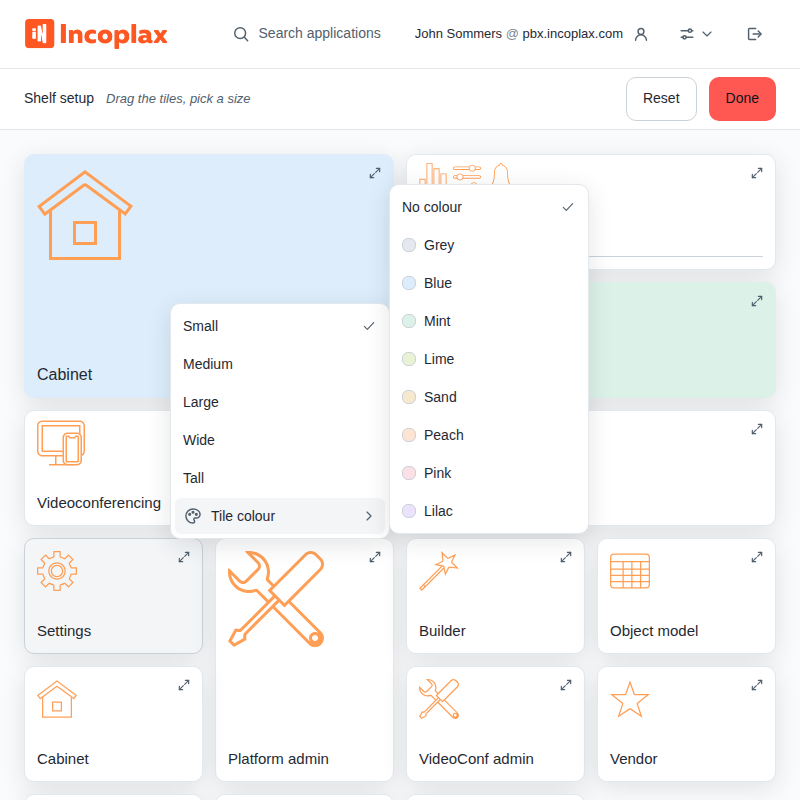
Eight colors and the No color option. The color does not change when switching themes.
Groups
Create — drag one tile onto another so that an outline appears around the second; the shelf immediately prompts for a name.
Rename — the name is edited directly on the tile, Enter finishes input. The name length is up to 120 characters.
A long name on a tile is hyphenated: if it does not fit in two lines entirely, the shelf inserts hyphenation itself and shows a hyphen at the break. Names that already fit remain as is. Long words are hyphenated; Latin text is not hyphenated.
If you want a word hyphenated elsewhere, insert the hyphenation mark yourself — Ctrl+- in the name field. In the field it is shown as a dot (Com·pany), on the tile
it is invisible: it becomes a hyphen only where the line actually breaks. At least one such mark
in the name — and the shelf hyphenates only at your marks, adding none of its own.
Remove application from group — the Remove from group item in the application menu inside the group.
Disband group — the Disband item in the group menu.
Layouts
View menu → Layout.
Bento — tiles of different sizes assembled without gaps. The default layout; tile sizes make sense precisely in it.
Grid — all tiles the same size, in even rows.
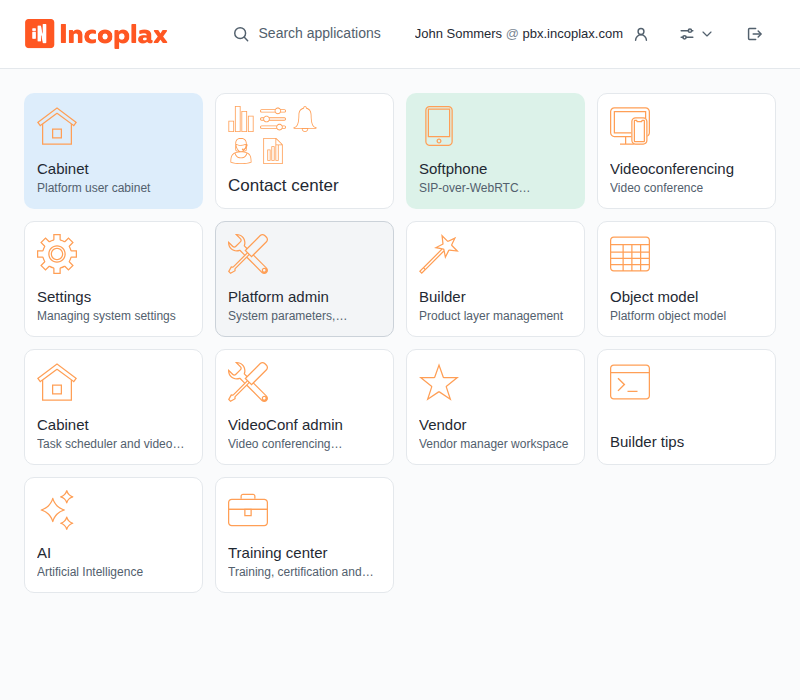
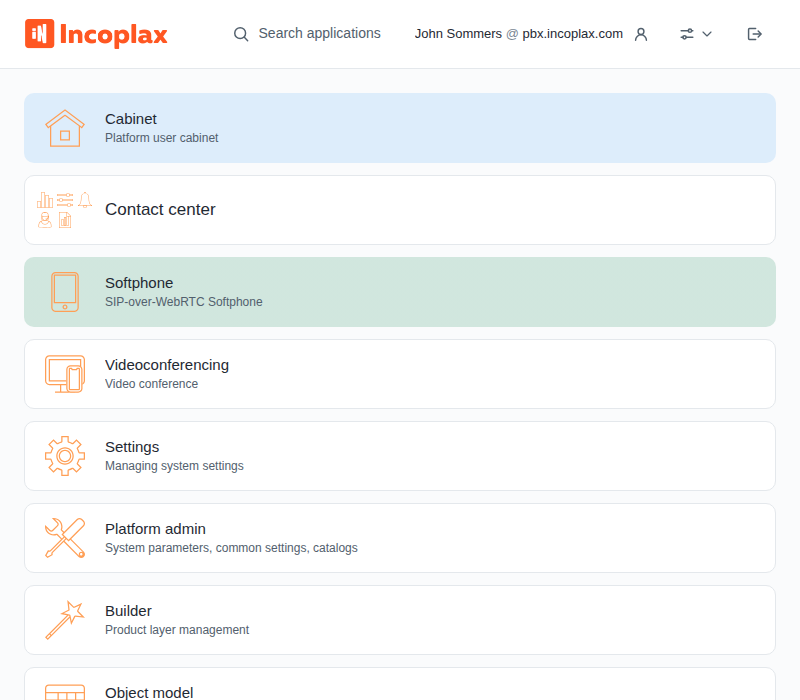
List — one row per application. The densest presentation.
The shelf appearance and layout are stored in the domain: in a neighboring domain you have your own shelf and your own settings.