14. Argument: constant, variable, expression, pattern
Argument is the most common field in the editor: out of thousands of properties described
in the metadata, almost four hundred are exactly like that. Having dealt with it once,
you will deal with a third of all settings at once.
One field, four ways
The argument answers the question “where to get the value from.” There are four ways:
- Constant
-
The value is written right here and does not change.
- Variable
-
The value is taken from the variable at execution time.
- Expression
-
The value is calculated by a formula in the server language.
- Template
-
value is collected from text with substitutions.
All four are the same field. You can switch between them
whenever you want, without starting anything again.
How to distinguish by eye
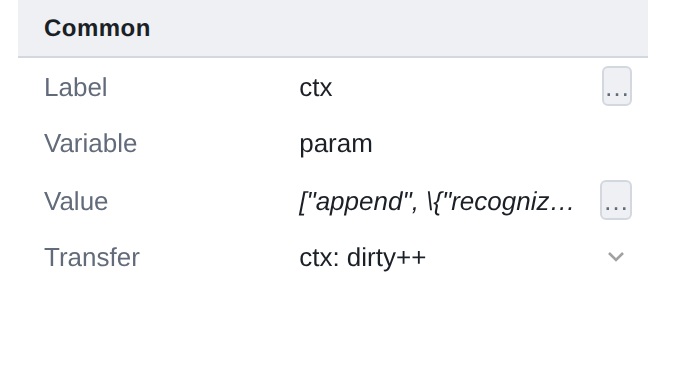
In the property table, the value of the argument is shown in different ways:
-
in straight font - constant: what is visible is what will be;
-
italics - everything else: variable name, expression or template text.
Italics mean "there is not a meaning here, but a way to get it."
The … button on the right opens a window in which the method is selected.
Constant
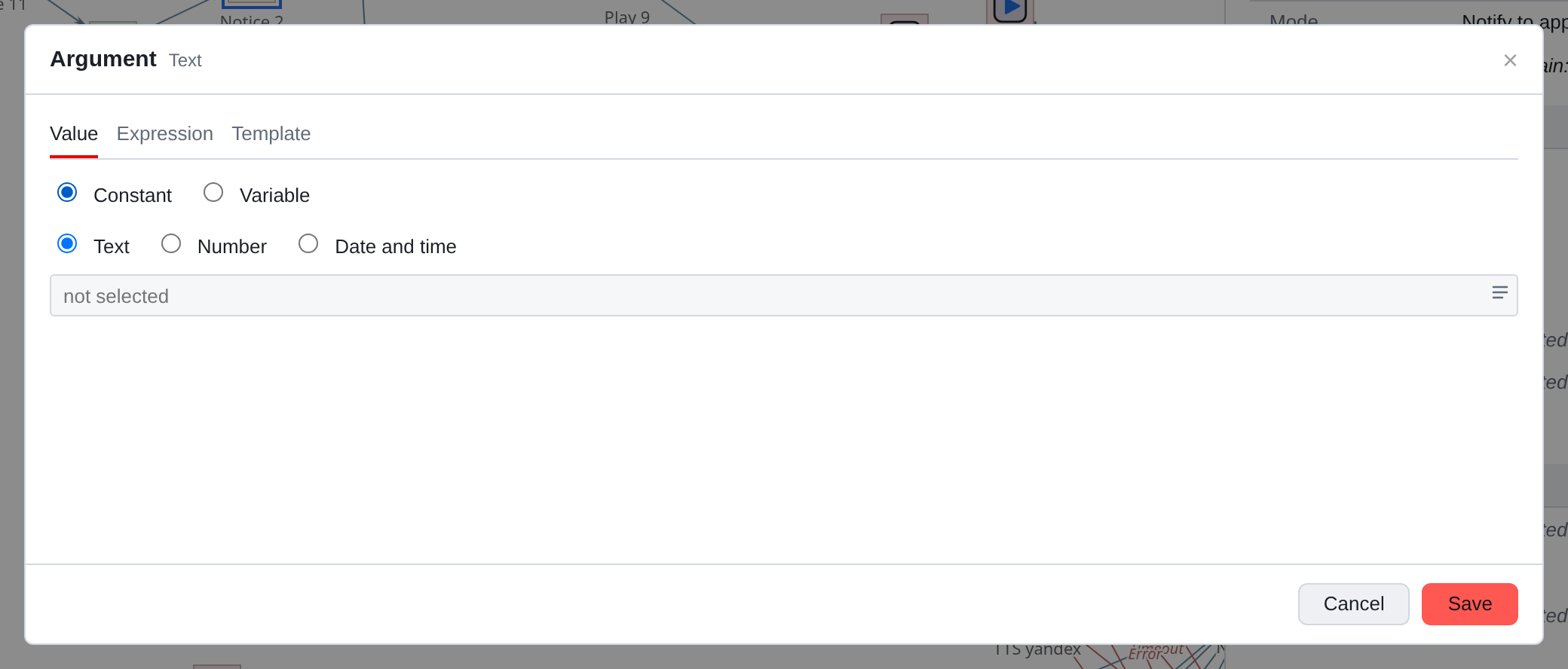
Value tab, Constant switch. Below is the constant type:
Text, Number, Date and time. The type is important: the server provides the value according to it, and “007”, written as a number, will become seven.
The set of available types is given by the property: where a number is meaningless, its
and they won’t offer it.
Multiline constant
Sometimes a constant is not a string, but a whole piece of text: the request body, JSON, message in several paragraphs. Three stripes icon on the right
edge of the field expands it to multiline.
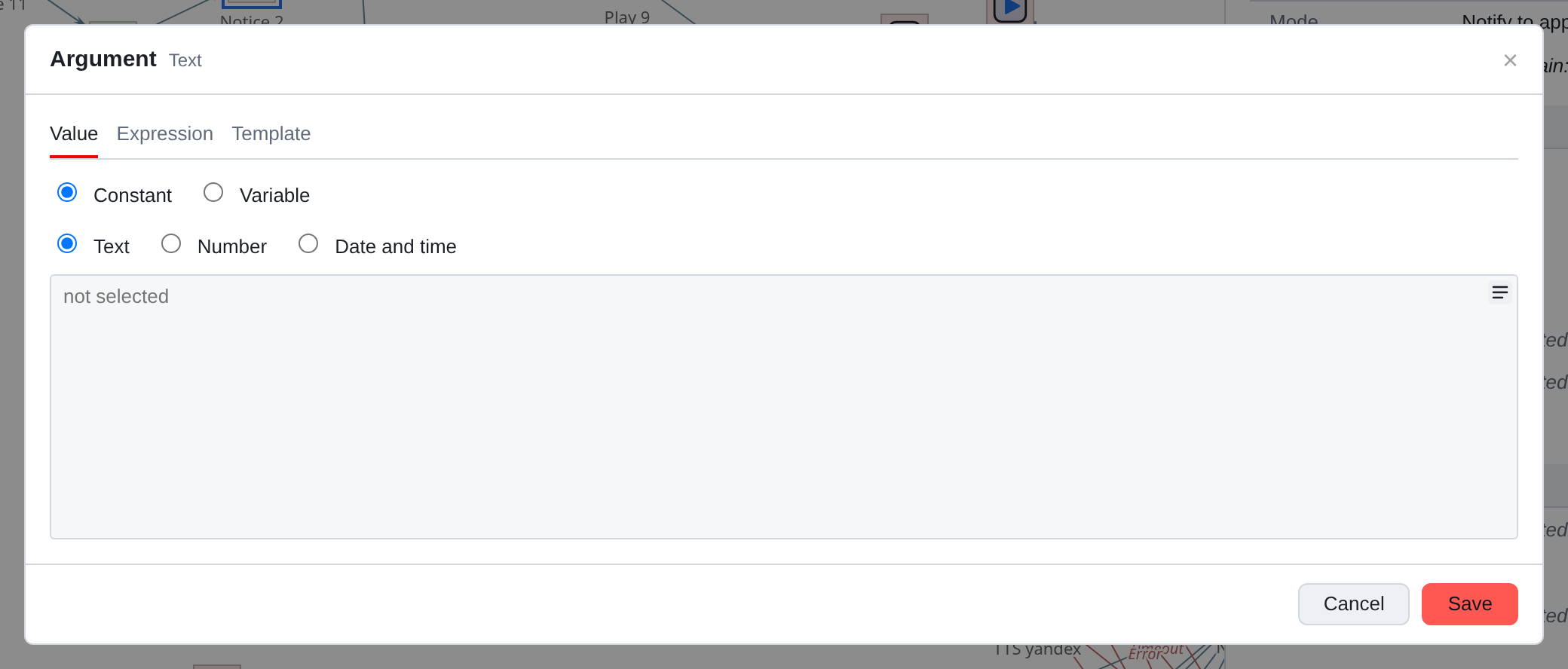
In such a field Enter breaks the line and ends the input Shift+Enter.
Variable
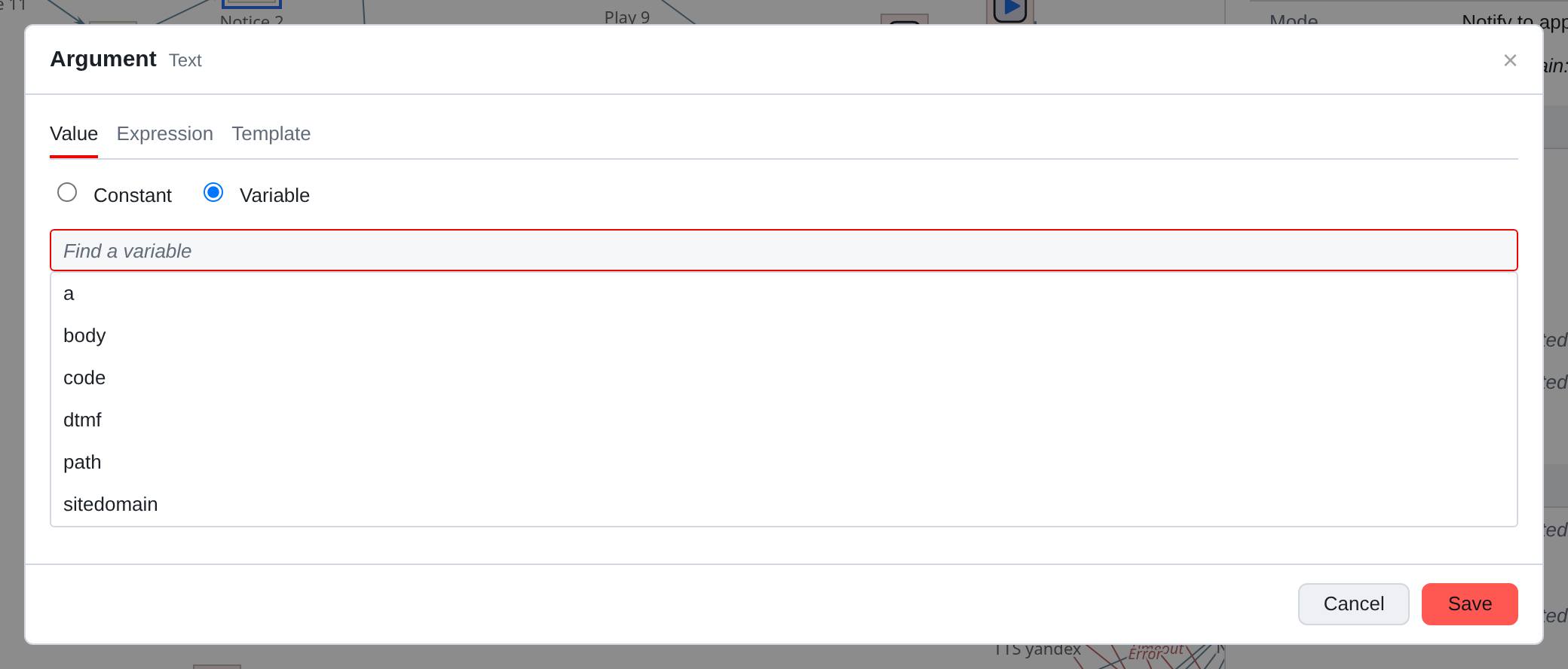
Switch Variable, below - search by name. Start typing
the list will select the suitable ones. If the required name is not yet available, it will suggest Create a “name” - and opens a variable window with the name already substituted.
The link is stored by ID, not by name. Therefore renaming
a variable survives such a field on its own: there is no need to confirm the replacement in it.
Expression and pattern
The two remaining tabs are about calculations, and they are devoted to the next chapter. Briefly the difference:
| What | When to take |
|---|---|
Expression |
You need to calculate: compare, add, cut a piece of string, take the current time |
Template |
You need a ready-made text into which a pair of values is substituted: “Hello, {{ name }}” |
One thing is translated into another: the server can do both conversions, and the editor uses it when you switch tabs.
What to choose
-
The value is known and does not change - constant. Keep it simple.
-
The value comes during the call - variable.
-
Value must be calculated - expression.
-
Text with a couple of substitutions is needed - template. The expression is here too
will work, but it will be worse to read: "Hello, " + str([name])
vs Hello, {{ name }}. -
Several components need the same value - variable, even
  if the value is constant. For example, notification recipient: enter
variable, assign it a constant at the beginning of the script, and throughout
In notifications, add a variable argument. You will have to change the addressee
in one place, not twelve.
|
The way the field is specified is stored in the script along with the value. When you open the field again, you will see the same tab where you left it - the editor doesn’t try to guess the "real" way. |