18. Sound files and attachments
Everything that the subscriber hears lies in files. The file may belong to a script -
then it is loaded from the editor and secured by saving. Or maybe lie
in the shared file partitions of the server, and then the script addresses it with the path.
Both methods are discussed here.
File field
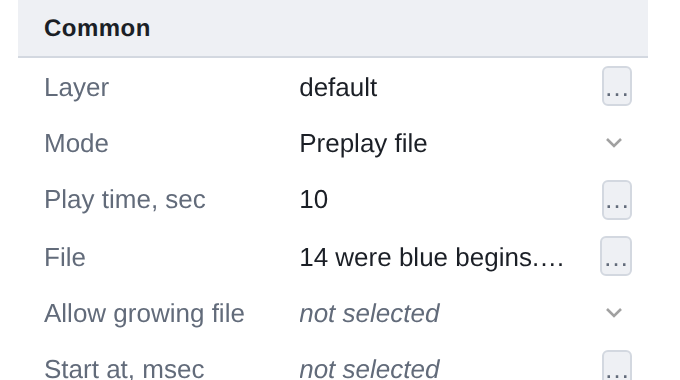
The file field is recognized by the … button: the name of the selected file in the line, window
selection - behind the button.
Selection window
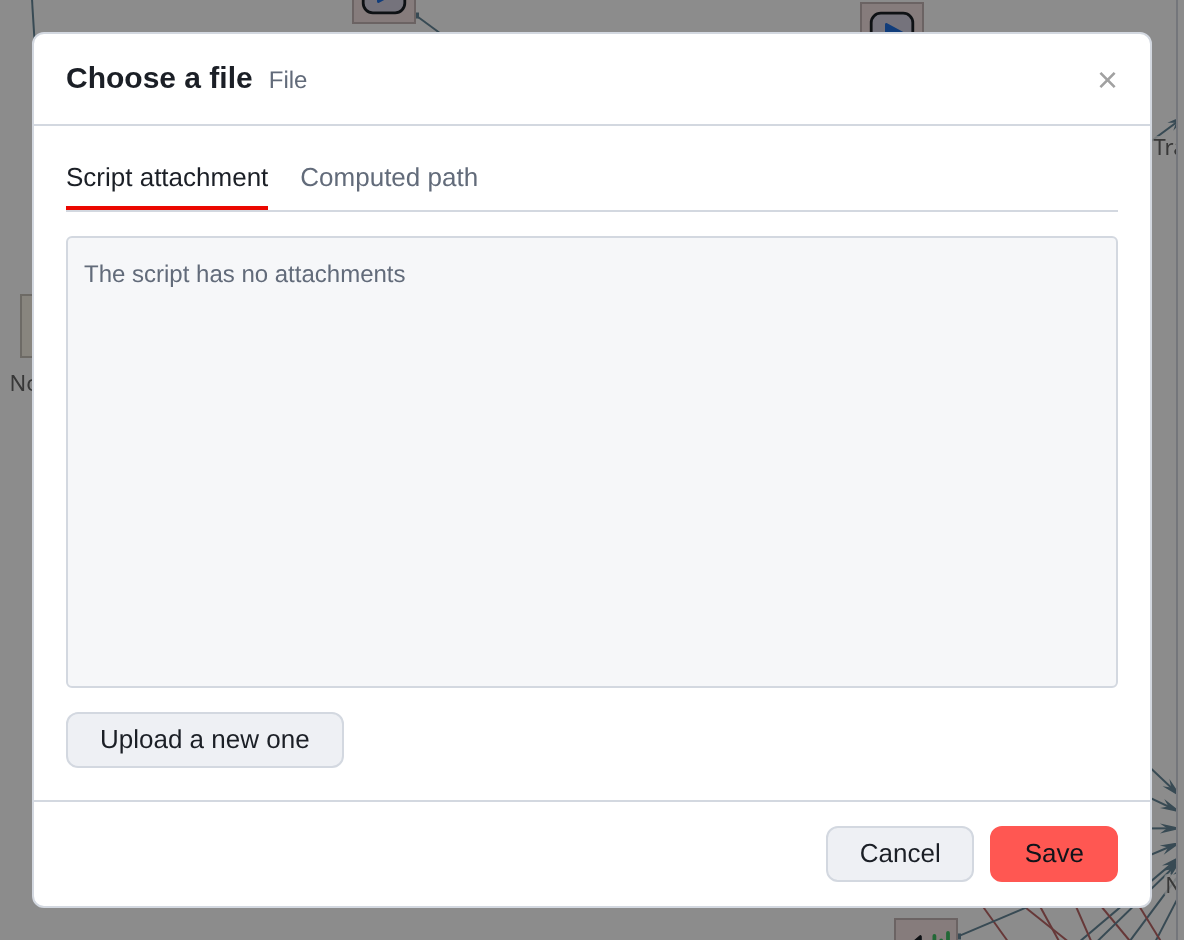
There are two tabs, and they correspond to two ways to address a file.
- Script File
-
An attachment stored with the script. Loading from here too.
- Computed path
-
path to a file somewhere in the server’s file partitions.
Collected at runtime.
The list is an attachment of this script. The new script has it empty,
and that’s normal: the files appear as they download.
Loading
The Upload new button opens the usual file selection window on your
car. Restrictions on extension and type are set by the property: where they wait for the sound,
You won’t be allowed to select a table, and the editor will tell you about this before sending it.
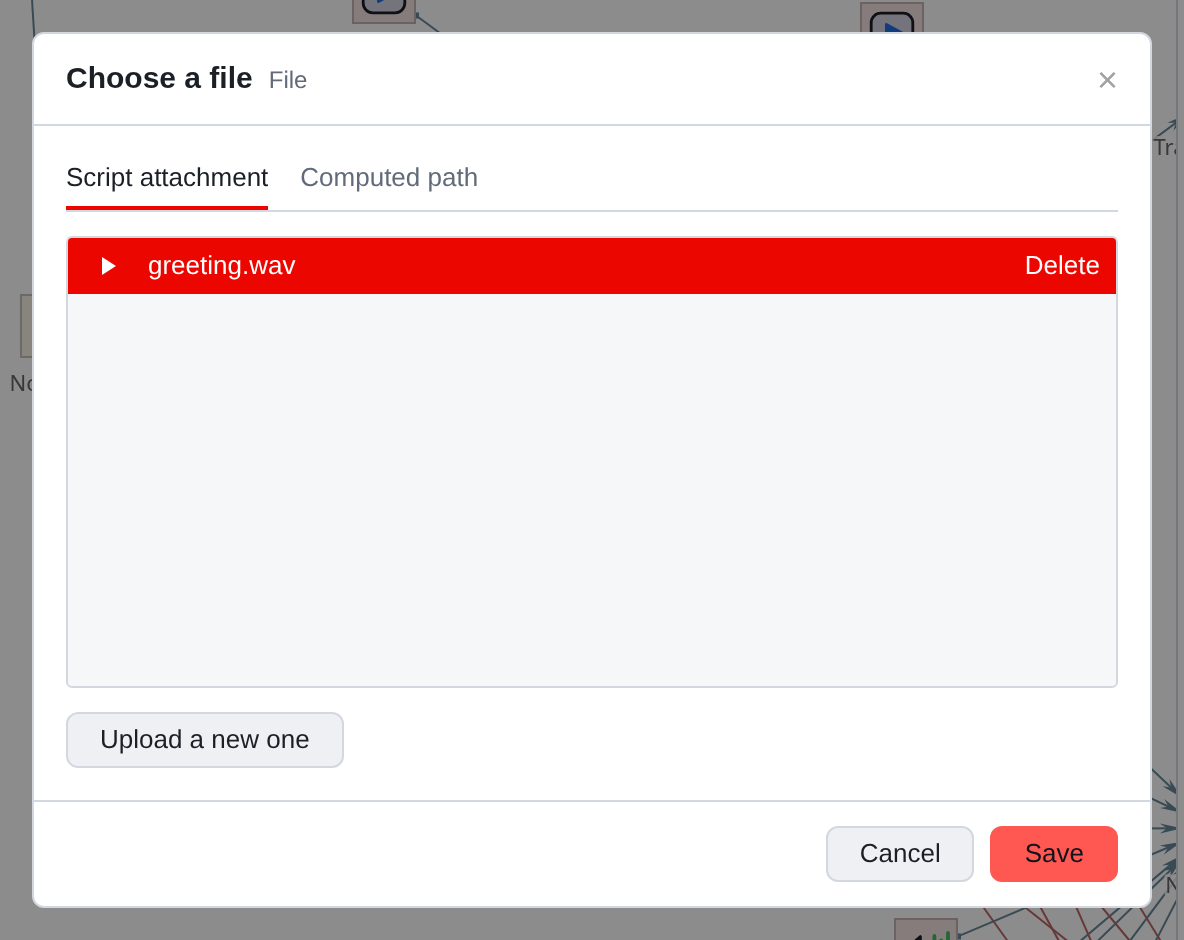
The uploaded file immediately becomes selected. To the left of the name is a triangle:
Sound files (WAV and MP3) can be listened to without leaving the window.
On the right is Delete.
|
The downloaded file lives in temporary storage until the end of the connection. Only saving the script secures it to the server. If you close the tab without saving, you will have to download the file again - the browser will warn you about this. Technical connection failure with reconnection safe: the server provides security there. The rule is simple: upload the files - save the script. |
If some files could not be attached when saving, the editor will call
them by name and will ask you to save them again.
==Delete attachment
Delete next to the name removes the file from the script. Before this the editor
will tell you how many components reference it.
Deletion is allowed even if the counter is non-zero - an unused file to the server
does not interfere, but prohibiting the desired action because of the counter would be worse.
But it’s worth checking what exactly will be left without the file: search by file name
will show all places.
Calculated path
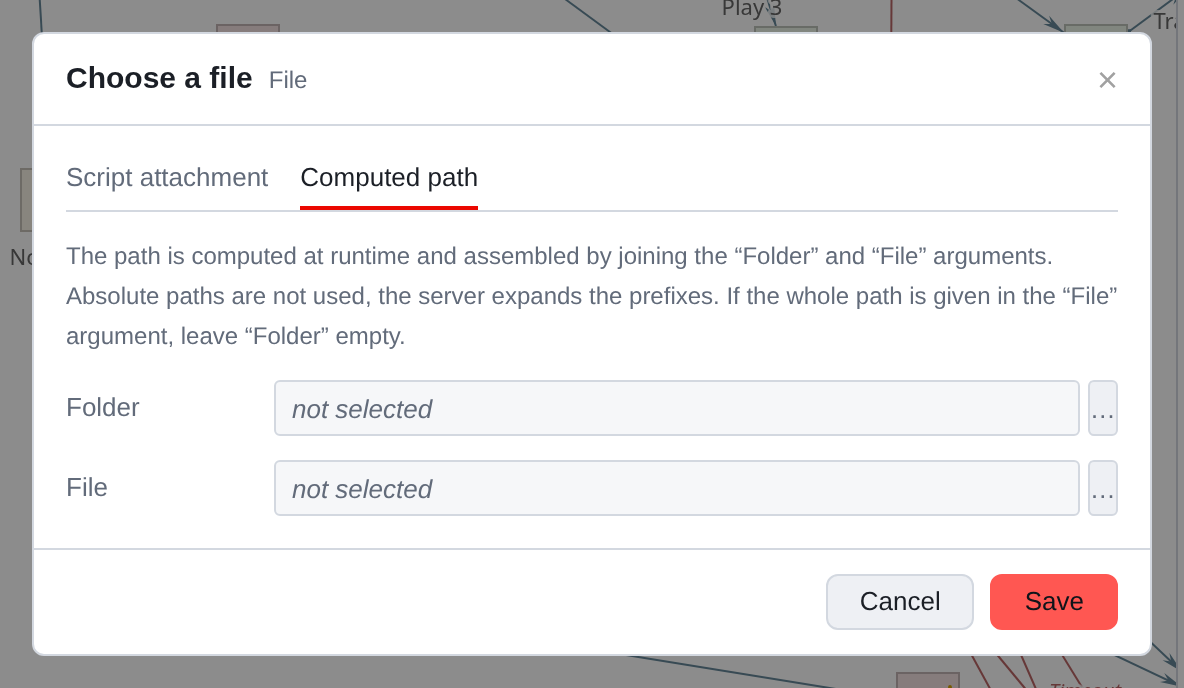
This is how files that do not belong to the script are addressed: general records, files
from synchronized sections, temporary files. This also includes the case
when the name is unknown in advance - depends on the subscriber’s language, region, from the query result.
The path is collected from two arguments - Folder and File - and calculated
at the time of execution. Both fields are regular arguments, that is, they can be
expression or pattern. If the entire path is specified in File, leave Folder
empty.
|
Absolute paths are not used and the server does not allow them. Platform multi-server: the same partition on different servers is located on different physical ways. Instead of an absolute path, a macro path is written -
The same macro paths are also available to expression functions - see |
|
The editor cannot check the existence of such a file - the path is known only on the server and only during the call. Therefore, the components reproduction there is a branch Transition, error: it should always be filled out, when the path is calculated. |