17. Assignments, parameters, lists
Three fields arranged in the same way: a table of rows, each column has its own
editor. They figure it out together, because once you have mastered one thing, you have mastered everything.
General device
All three open with the … button and look like a table with headings
columns The rules are the same everywhere:
-
the empty line below appears on its own - the penultimate line has been filled in,
the following was added below;
-
handle on the left rearranges lines with the mouse; from the keyboard - arrows
  kbd:[↑] and kbd:[↓], when focus is on the handle;
* *right cross* deletes a line;
-
order matters - lines are executed from top to bottom;
-
Save applies the entire table, Cancel discards
edits. Empty lines are discarded when saving.
Assignments
Puts values into variables. “Assignment” has two modes: one value
into one variable - then two ordinary lines in the panel are enough - and a table,
when there are several assignments.
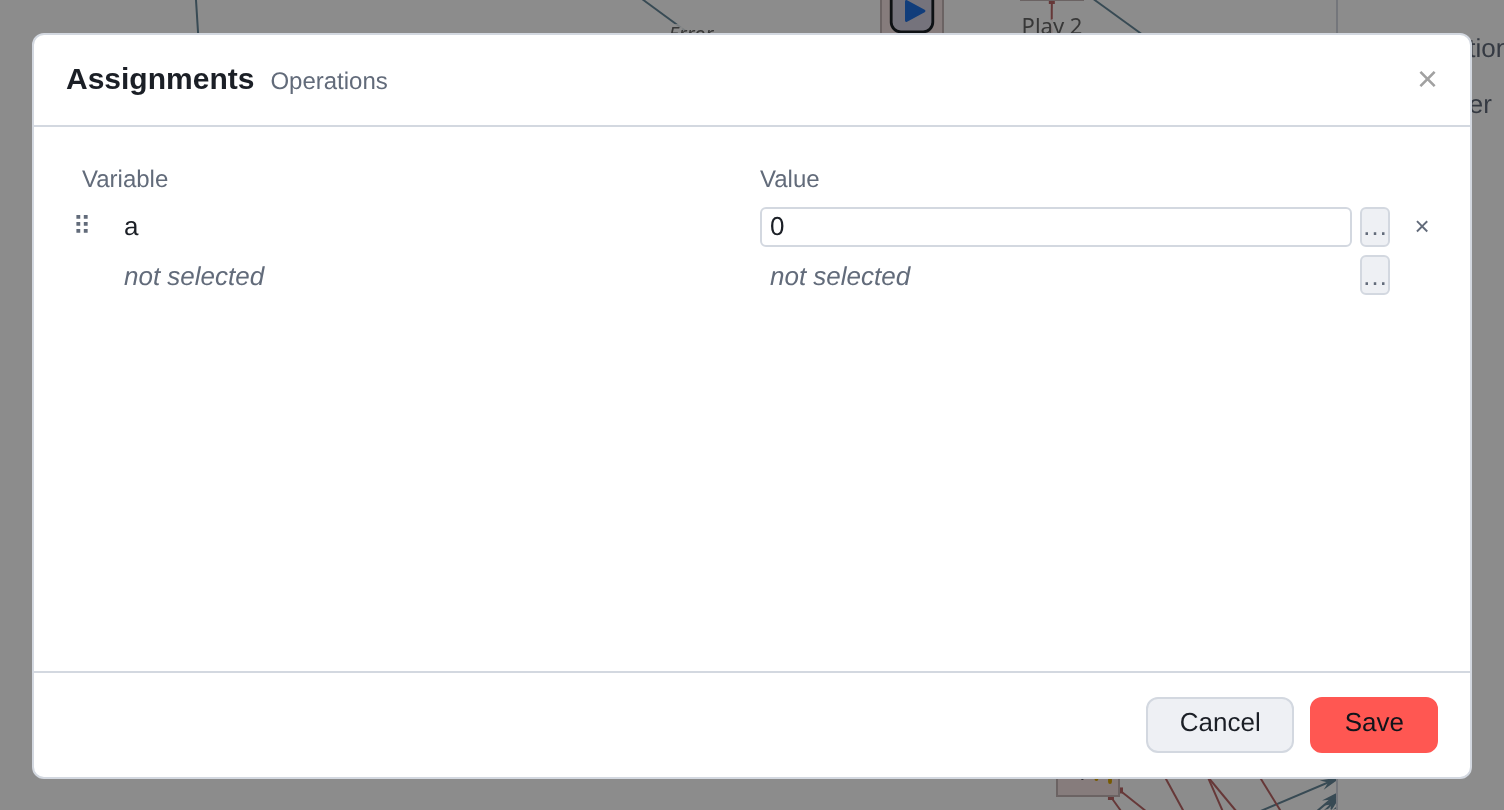
The left column is a variable, the right column is a value (argument: constant,
another variable, expression, or pattern).
The lines are executed in order, and this is often used: in the second line
you can rely on what is stated in the first.
Key-value parameters
A set of named values that the component passes somewhere further:
running script, microservice, call center.
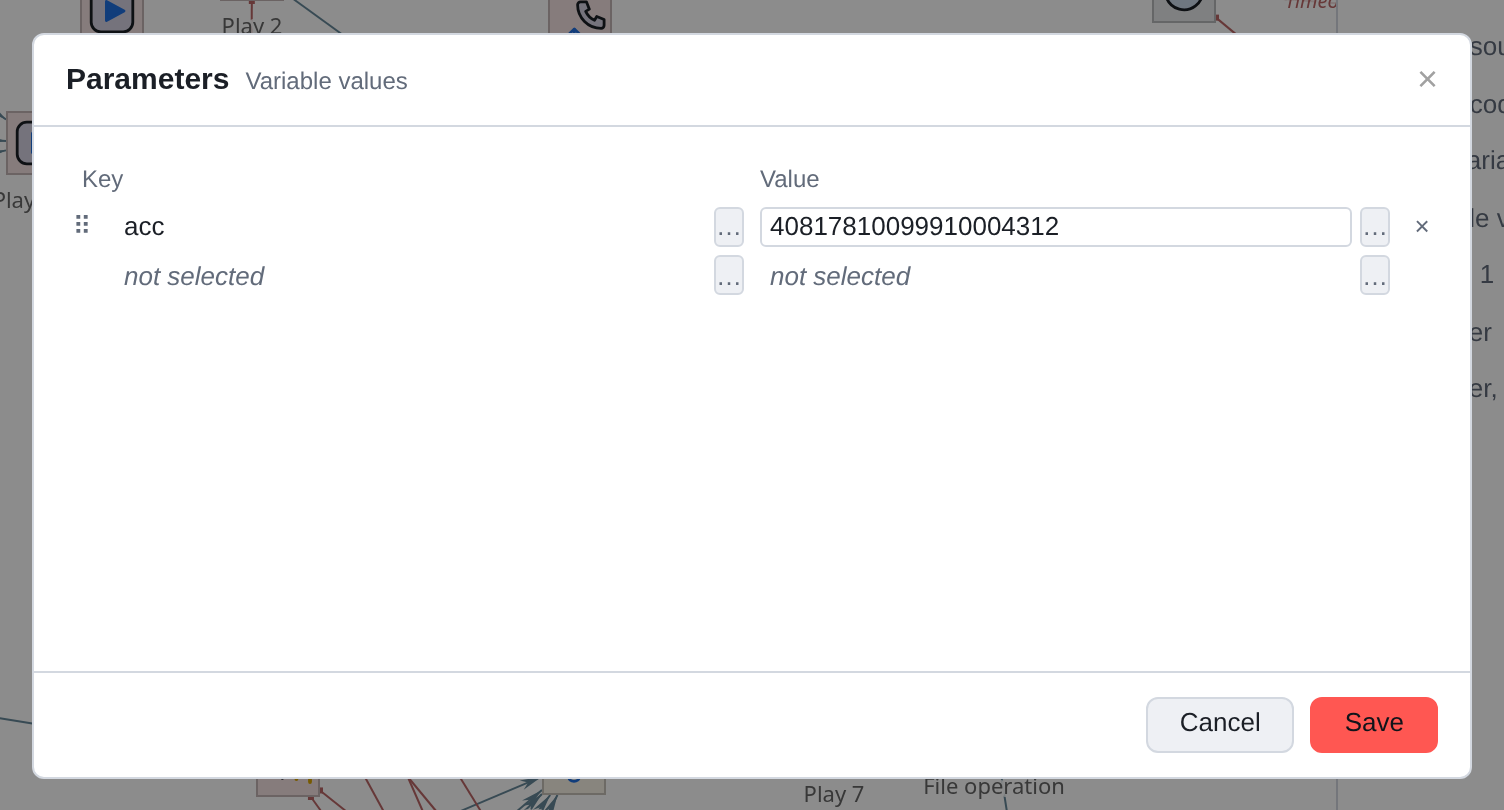
Both columns are arguments. The key is usually a constant, the value is a variable or an expression, but none of the options is prohibited: the key is also possible
calculate.
List of values
The simplest of the three: one column, each row is just a value.
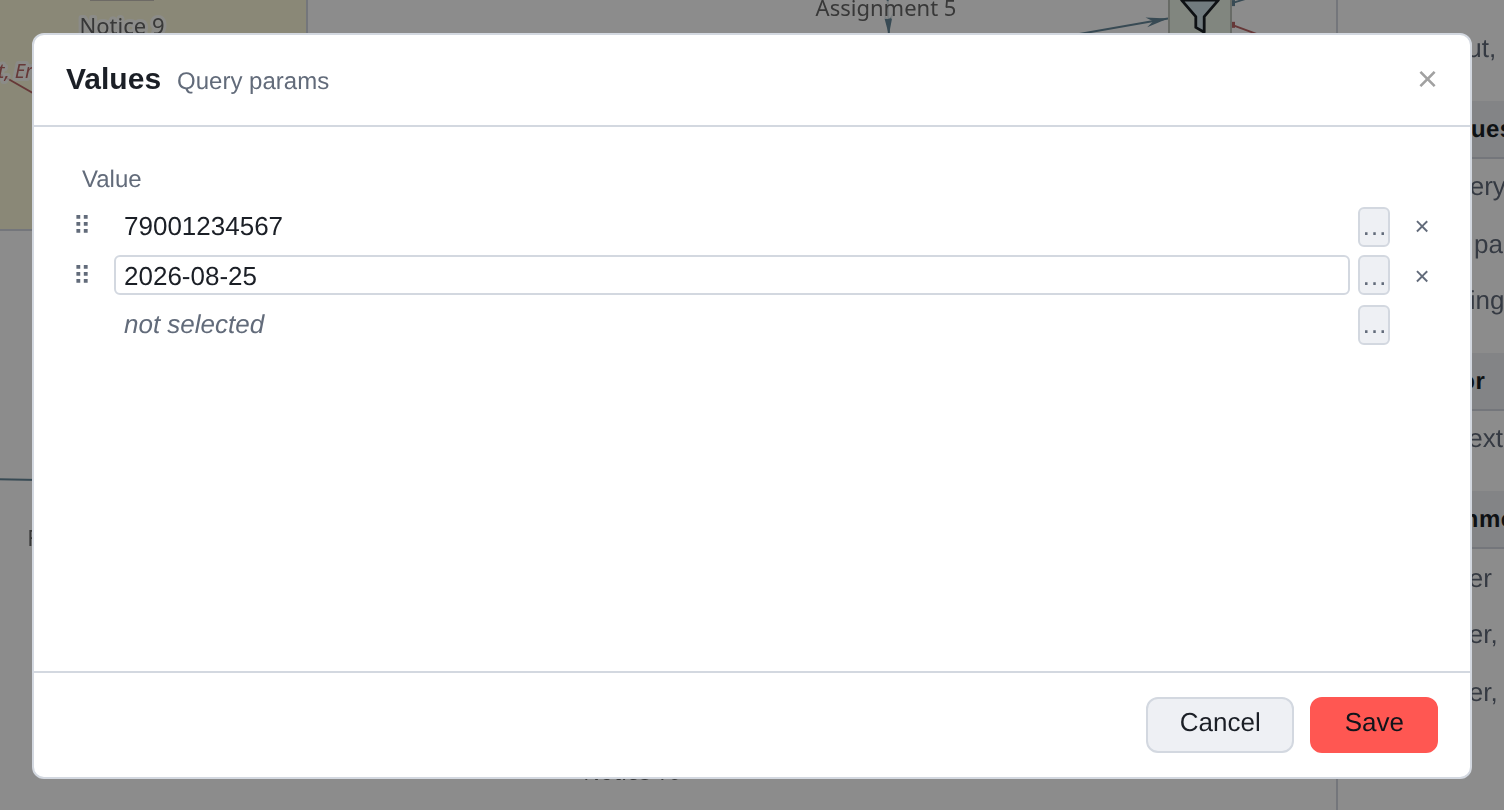
Used where order is important and names are not needed, for example,
SQL query parameters are inserted one by one into the places marked
in the request body.
|
Since each line is an argument, it has its own button It’s just a variable. |
What these tables don’t contain
Checks for duplicates: the editor will not prohibit two identical keys. What
The server decides what to do with it. Type checks: string put into numeric variable with error
does not count - the server does the casting.
Bulk editing: You can’t fill in twenty lines at once, you’ll have to do it one at a time.
If you get a lot of lines, it’s worth considering whether the problem can be solved differently:
looping through a list, for example.
| ◀ 16. Menu and transfers | 18. Sound files and attachments ▶ |
|---|