23. Draft and save
Edits live in three places: in the tab’s memory, in the draft on your machine
and on the server. The difference between them is the topic of this chapter.
==Draft
Everything you changed, the editor writes to the browser memory in about a second after the last action. It happens on its own, there is nothing to turn on.
Closed the tab, reloaded the page, dropped the browser - the next time
When you open this script, a question will appear.
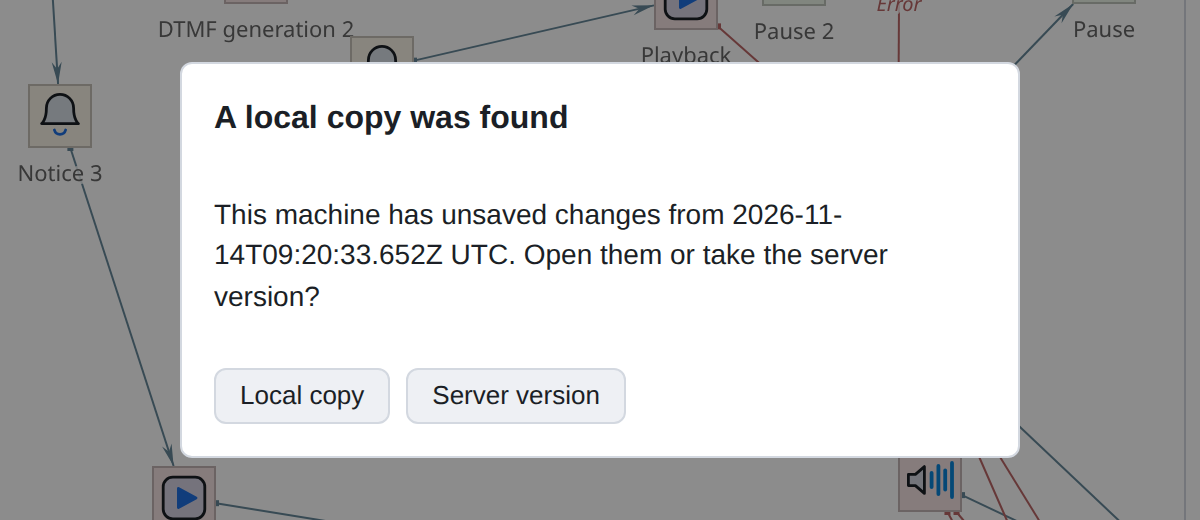
- Local copy
-
Continue where you left off.
- Version from the server
-
take what is on the server and forget the draft.
They ask once per script: the rejected draft will not come up again,
and new edits will be written on top.
|
Draft is not saving. It lies on your car and is visible only to you. Until you clicked Save, nothing has changed on the server, and your colleague will not see your edits. |
Drafts take up space in the browser, and this space is not unlimited: when
the budget is exhausted, the oldest ones are being forced out. Currently open script
is never superseded. How much is occupied can be seen in the diagnostic window.
==Save
Button Save in the header or Ctrl+S. Dot next to cancel buttons
means “there are unsaved edits”; After saving it disappears.
Saving is a common operation and should be done frequently. Separate "save"
and check” is not necessary: the editor itself checks the metadata version after each successful conservation.
Other actions
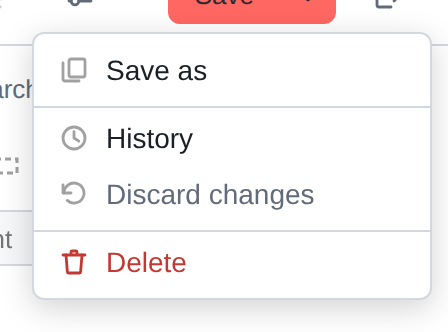
===Save As
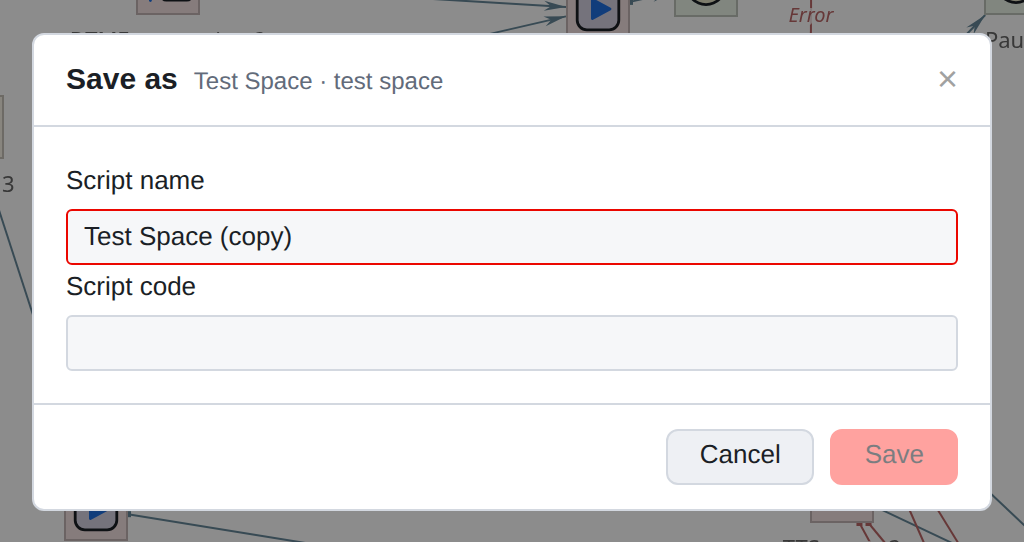
Creates a new script with your edits, leaving the original one untouched.
The name is offered with the mark “copy”; you need to specify your own code.
Useful before a major rework: if it doesn’t work out, the original is still there.
What prevents you from saving
- No connection
-
the button will report an error. Wait until the connection is restored.
The version on the server is newer: someone saved the script while you were working. Understands xref:scripts:scripteditor/troubles.adoc[chapter on non-standard
situations].
Attachments are not fixed: the editor will name the files by name and ask
save again.
|
A habit that saves nerves: save after each completed piece of work, not at the end of the day. Then the version history turns out meaningful - it shows what changed and when. |