22. When something is wrong
Four situations in which an editor says stop, and what to do about each.
Lost connection
The caption in the header changed to Reconnection… - connection to the server
lost. The editor restores it himself, increasing the pauses between attempts.
You can work. Edits continue to go to the draft on your machine,
nothing is lost. You can’t save just one: the Save button will tell you
about the error.
What to do: wait for the Connection established signature and repeat. If it does not recover for several minutes, check the network and update
page: the draft will be picked up.
Separately, Session lost: the session is deleted on the server, and reconnection
won’t help. The editor will display a window asking you to log in again. Edits in this case
remain in draft.
|
A common reason that you should know about in advance: *domain switching in the settings application*, opened in the next tab. It kills the session - and along with it all the parallel open tabs of the script editor, no matter how many there are. So if the editor suddenly asks you to log in again, but the network is fine - remember what you just did in the next tab. |
The version on the server is newer
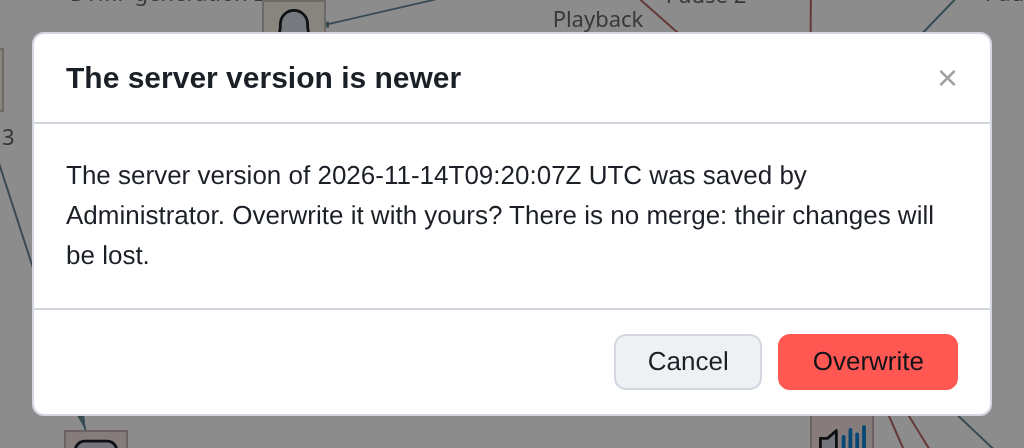
Between the time you opened the script and the time you clicked Save, it Someone else managed to change it. The editor says when and who, and asks
whether to rewrite?
|
There is no merging of edits. Rewriting means that other people’s changes will be lost entirely - not “united”, but precisely lost. |
What to do:
-
Cancel - your script will remain unsaved, but also other people’s edits
will not be harmed.
-
Open History and see what exactly your colleague changed.
-
If his edits do not overlap with yours, rewrite them. If
intersect - agree on whose to use, and enter second-hand.
Metadata has changed
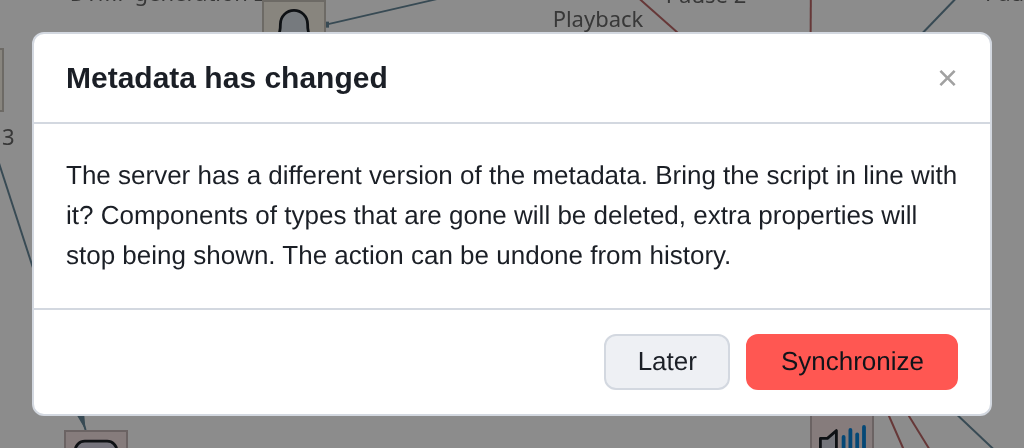
The list of components and properties on the server has been updated: something has been added,
something was removed. The editor noticed this when checking after saving and offers to bring the script to a new version.
- Later
-
don’t change anything now. A reminder mark will remain in the header.

- Synchronize
-
re-read the metadata and bring the script to it. Components of disappeared types will be removed, unnecessary properties will no longer be
show up.
Synchronization - one action and one undo step: Ctrl+Z will return everything
as it was. But deleted components will not return after saving,
Therefore, before saving, it is worth looking at what exactly has disappeared.
|
There’s no need to rush. Metadata discrepancies do not prevent you from editing the script, nor save it: properties unknown to the editor go to the server as how they came. Synchronization is done when there is time to look to the consequences. |
Diagnostic window
When it is impossible to explain what is happening, there is a journal: View →
Diagnostics.
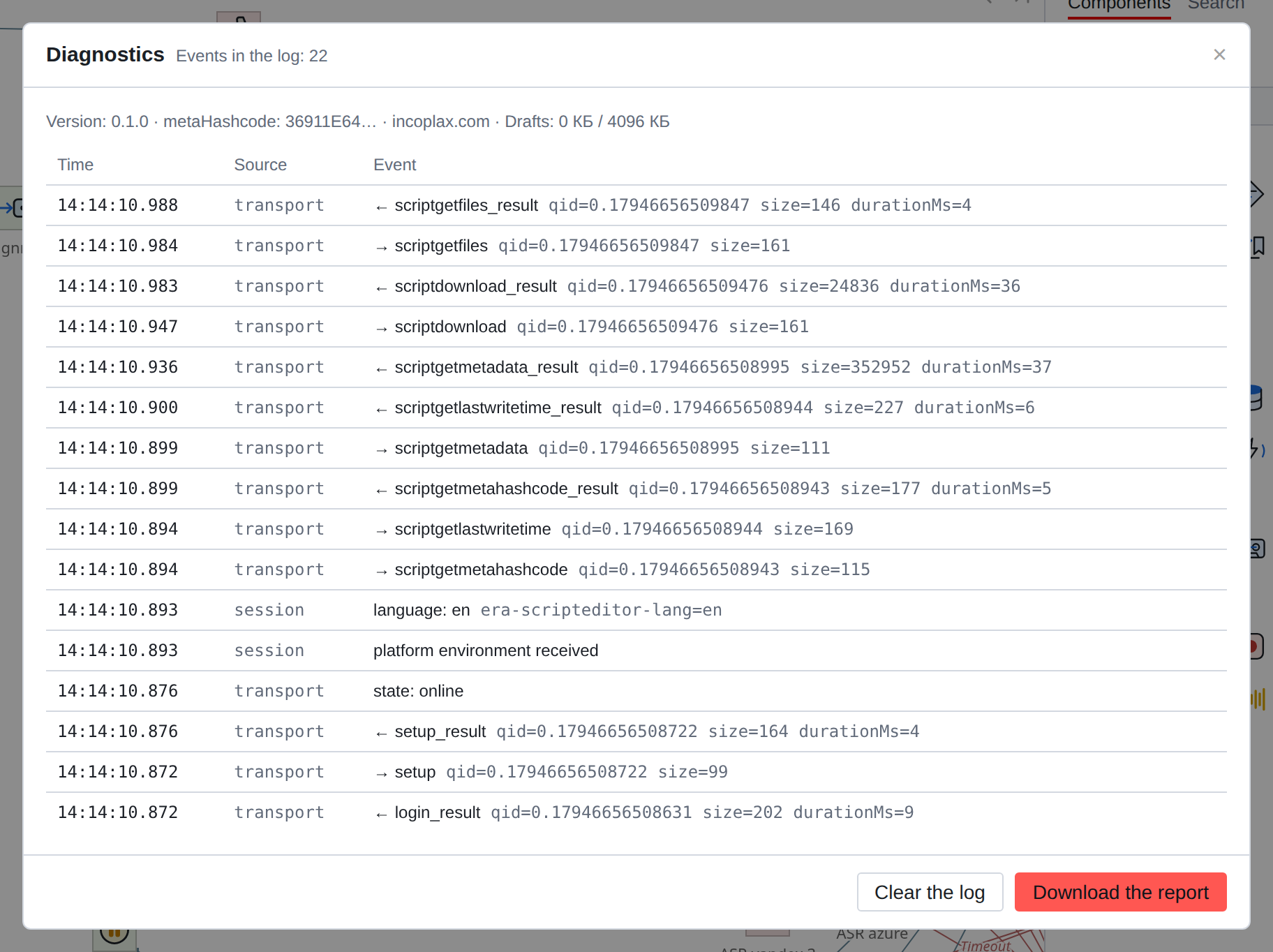
It shows everything that the tab sent and received: method, size, duration, order. Top - environment: editor version, hash
metadata, stand domain, how much space drafts take up.
Download the report saves this as a file - it should be attached to the request
in support.
|
The report does not contain script content, property values, or session identifier - only method names, sizes and events. It is safe to send it. |
A short summary of common symptoms
| Symptom | Most likely |
|---|---|
The field that was there has disappeared |
Visibility condition: the value of a field higher in the list has changed (Chapter 11) |
The connection was lost after the component was removed |
This is by design: the reference to the deleted component is cleared (Chapter 6) |
File "lost" after reboot |
The attachment was not secured by saving the script (Chapter 18) |
The variable was not substituted |
The name in the expression did not match the name of the variable; check the variables window (chapter 13) |
Call ends after transfer |
Spare translation branches not filled in (Chapter 16) |
Trace breaks at transition |
Following a label is not a connection - this is normal (Chapter 20) |
It’s not clear what happens during a real call |
Arrange notifications and see where the script is and what is in the variables (Chapter 26) |